

Speedometer Live Wallpaper · Wiki
Speedometer wiki
Every gauge, light and setting on your dashboard: what it shows, and how to set it up.
The big gauge
The dial in the middle. It shows one of three things; pick it in Settings or tap it on your home screen.
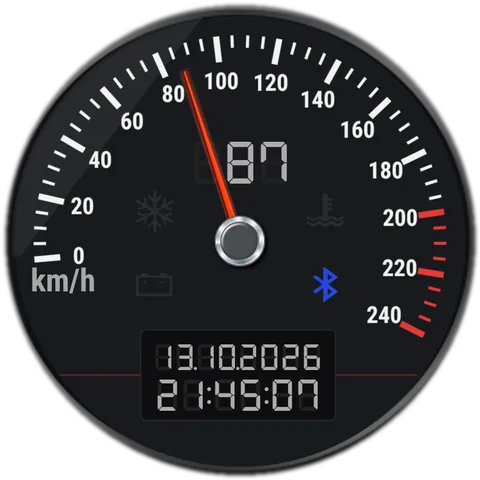
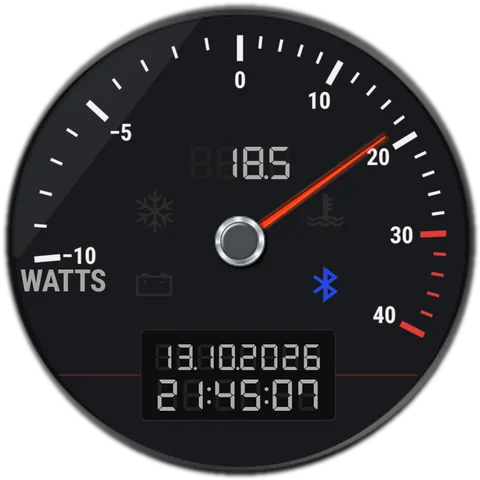
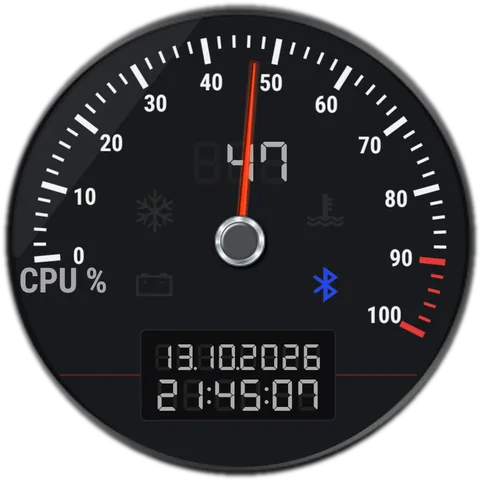
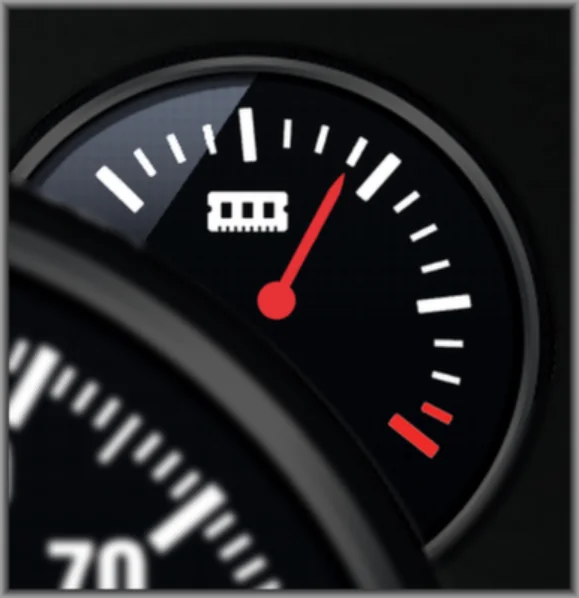
Small gauges
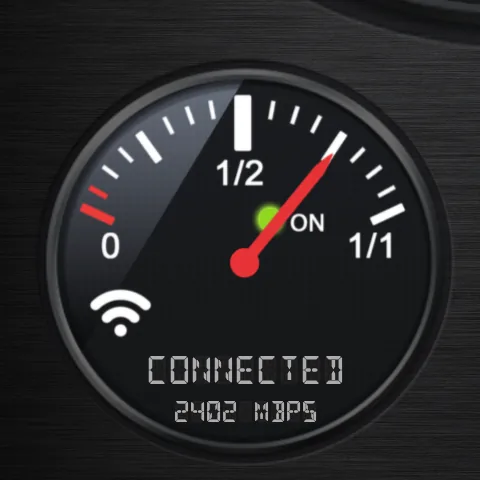
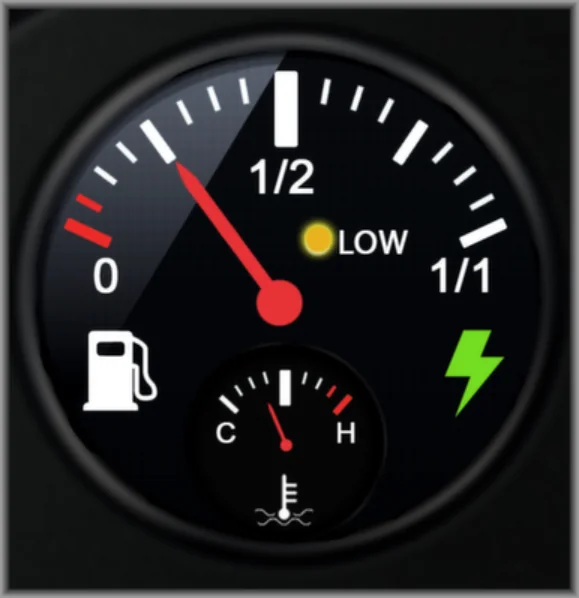
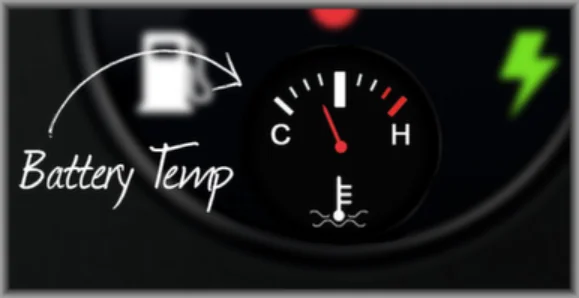
The four dials around it, and the little temperature dial.
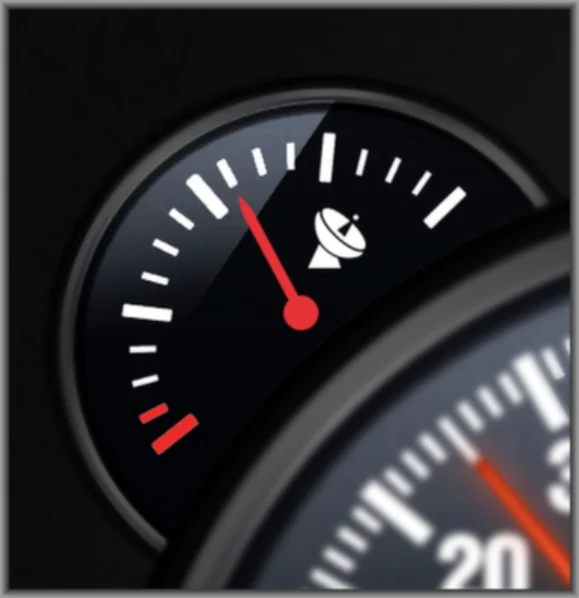
Warning lights
Lights on the big gauge and the small gauges. Each warning light can be switched off in Settings.
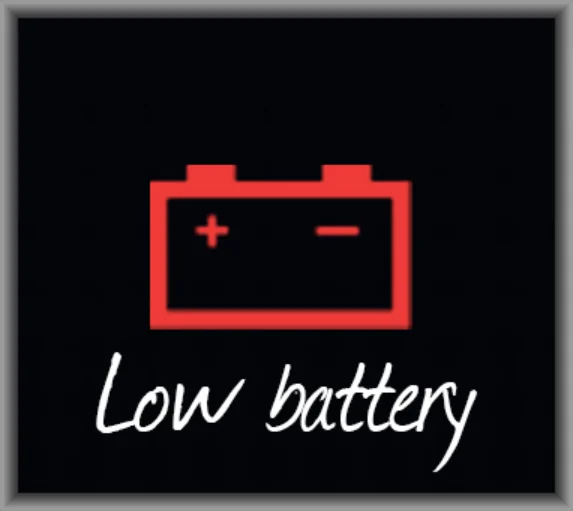 Low battery lightOn the big gauge: the battery is at or below your low level.
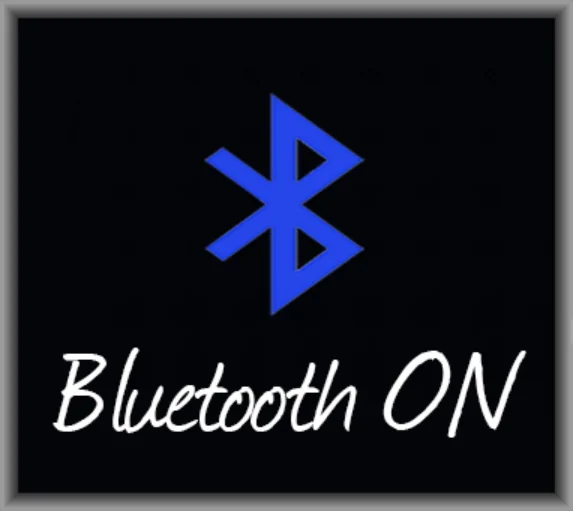 Bluetooth lightOn the big gauge: Bluetooth is on.
 High temperature lightOn the big gauge: the battery is hotter than your limit.
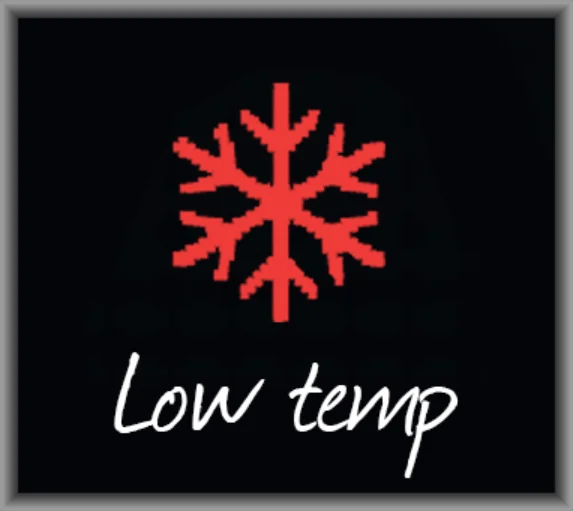 Low temperature lightOn the big gauge: the battery is colder than your limit.
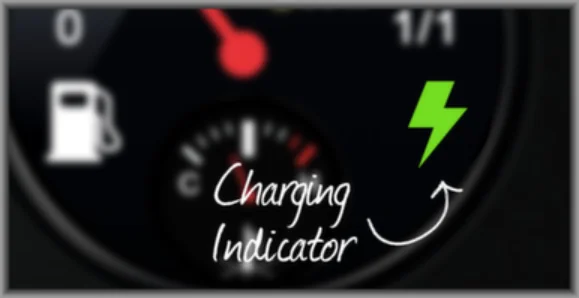 Charging boltOn the battery gauge: the phone is charging.
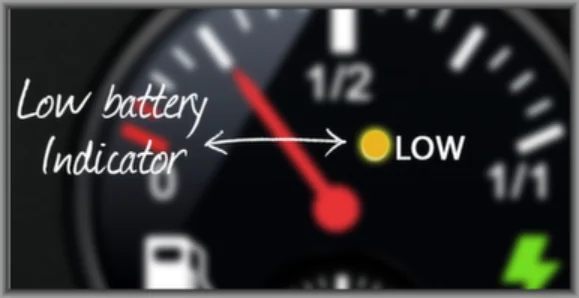 LOW lightOn the battery gauge: the battery is low.
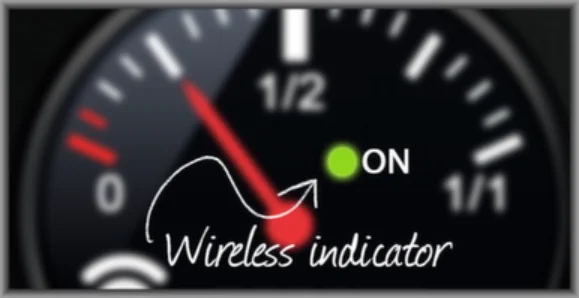 Wi-Fi ON lightOn the Wi-Fi gauge: green on Wi-Fi, yellow on mobile data.
Clock, settings & help
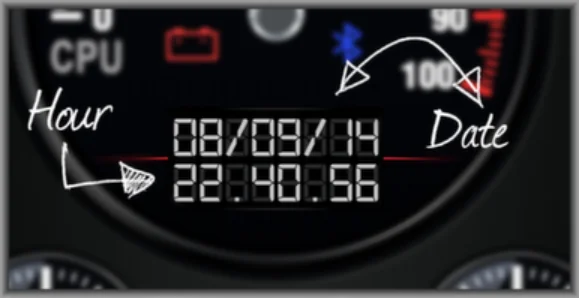
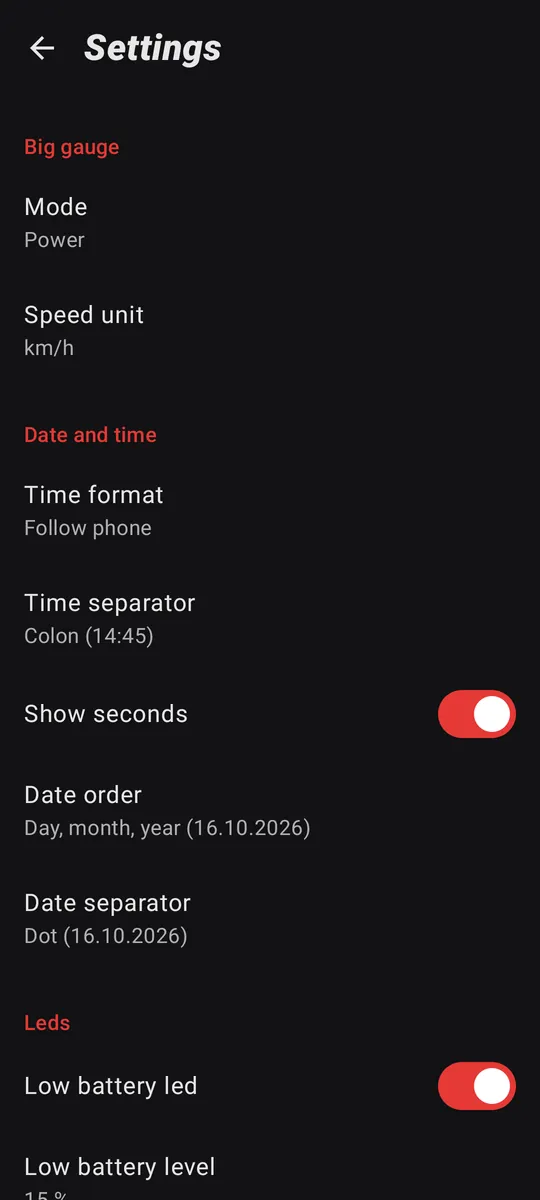
The digital clock, every setting, and answers to common questions.
Nothing matches that. Try another word.