
The big gauge
GPS speed mode
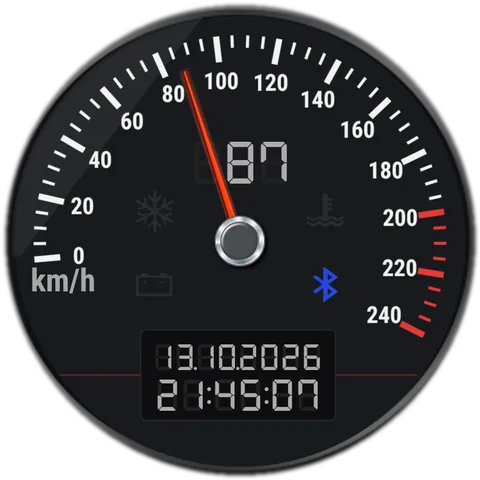
Your speed in km/h or mph, with a red mark at your top speed.
What it does
In GPS speed mode the needle shows your speed. A red mark shows the top speed of the current drive.
GPS speed needs your precise location while the wallpaper is on screen. It is used only to read your speed and never leaves the phone.
How it works for you
- Choose GPS speed in Settings; the app explains why it needs location, then Android asks. Pick "Precise" when it does.
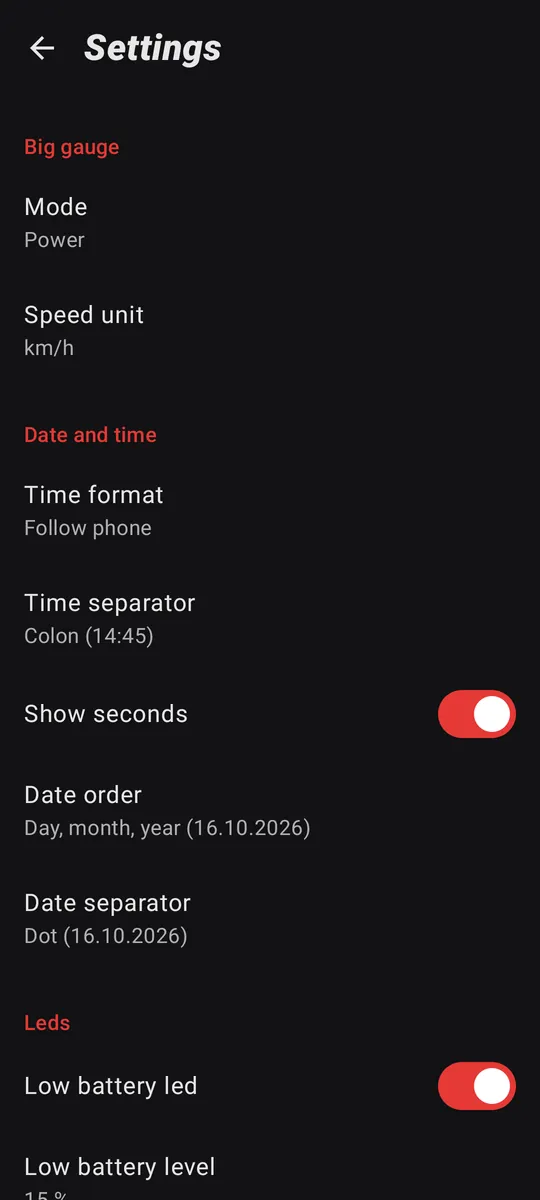
- Switch between km/h and mph in Settings → Speed unit.
- If location is off for the app, the gauge can't read your speed: allow precise location in the app's settings.