
Clock, settings & help
Setting it as your wallpaper
Two taps from the app, and how to get it back.
What it does
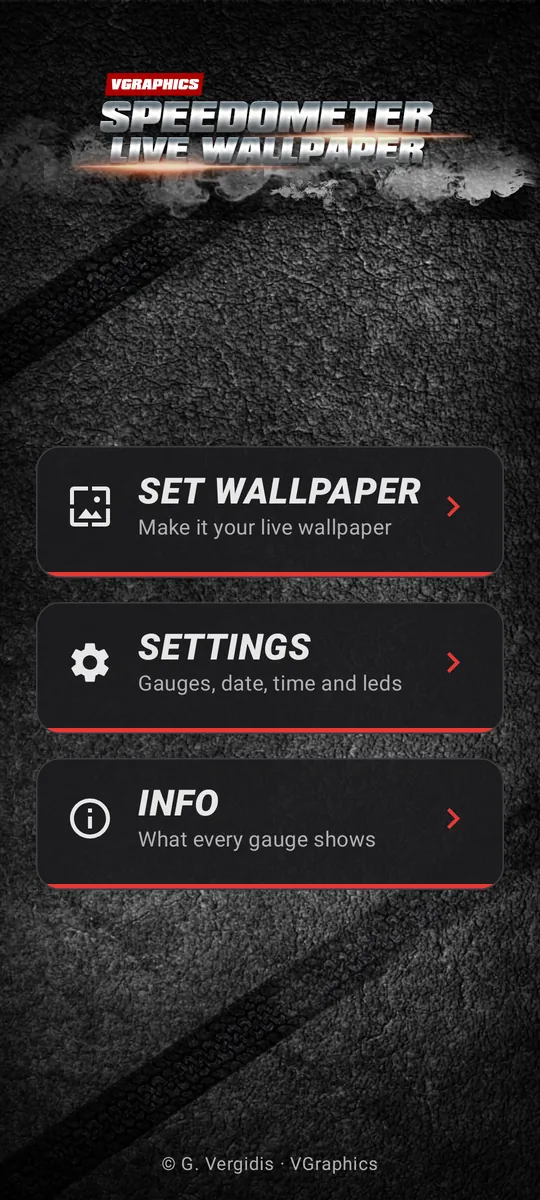
Open the app and tap Set wallpaper, then confirm on the preview. The dashboard is now your home-screen wallpaper.
How it works for you
- If you force-stop the app or clear its data, Android puts your old wallpaper back. Open the app and tap Set wallpaper again.
- The wallpaper never shows ads.