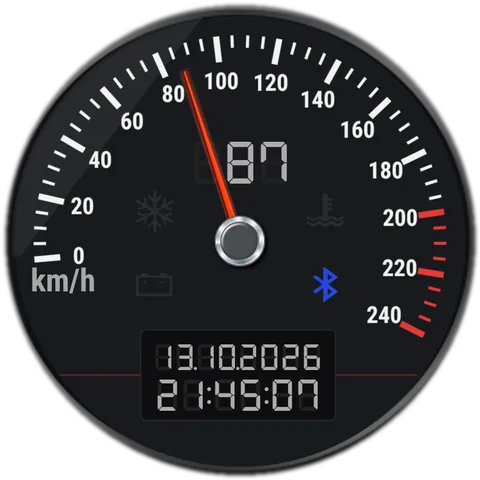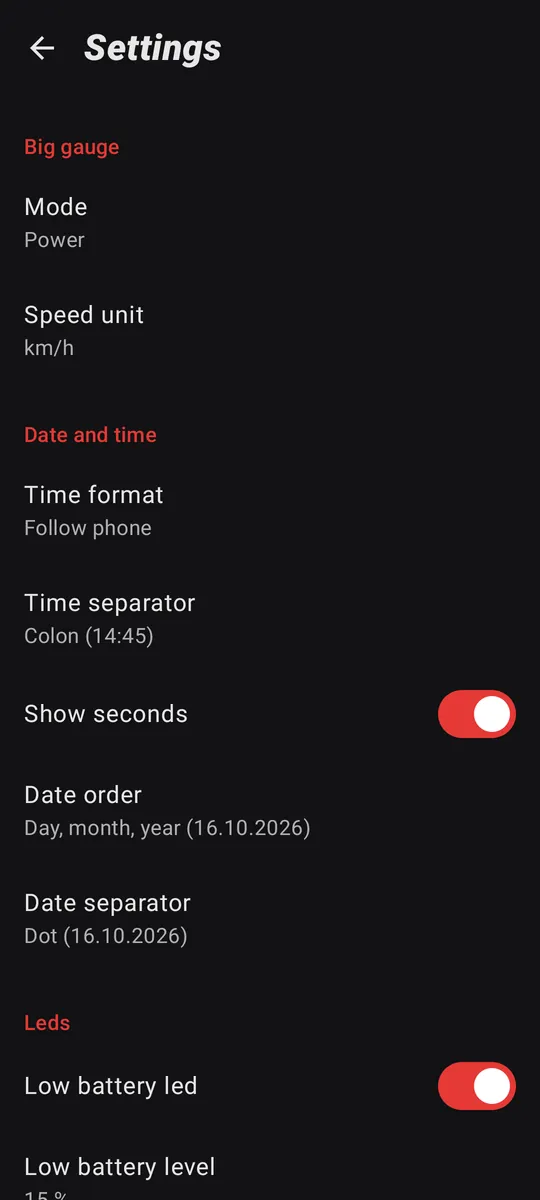

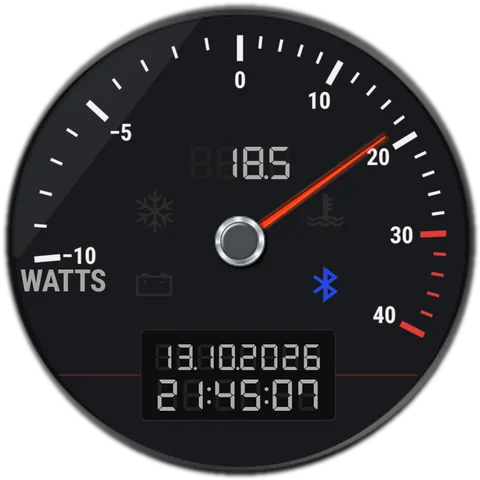
The big gauge
Big gauge tile
A Quick Settings tile that switches the big gauge on any phone.
What it does
Some launchers, Samsung's included, don't pass taps on to the wallpaper, so tapping the big gauge does nothing there. The Big gauge tile in Quick Settings switches the mode on every phone, in the same order: power, CPU clock, GPS speed.
Its subtitle shows the mode the gauge is in now. It skips modes your phone can't show, like CPU clock on phones that don't allow reading it.
How it works for you
- On Android 13 and later, Settings offers to add the tile for you.
- Or open the Quick Settings editor and drag Big gauge into your tiles.